.svg)
What Makes a Keyboard Good for Learning Piano in 2026? Essential Features Guide
Learning piano has become more flexible in recent years, but one factor still has a disproportionate impact on long-term progress: the quality of the keyboard itself. Beginners often assume any digital keyboard will suffice, while experienced players know that early compromises in key feel, sound, or responsiveness can slow development or reinforce poor technique.
A keyboard suitable for piano learning in 2026 must balance two priorities. First, it should support correct physical technique that translates to an acoustic piano. Second, it should integrate smoothly with modern practice tools that help learners stay consistent and self-directed.
This guide explains the technical features that matter most—and why they matter—based on how pianists actually develop skill over time.
Key Action: Why Weighted Keys Are Non-Negotiable
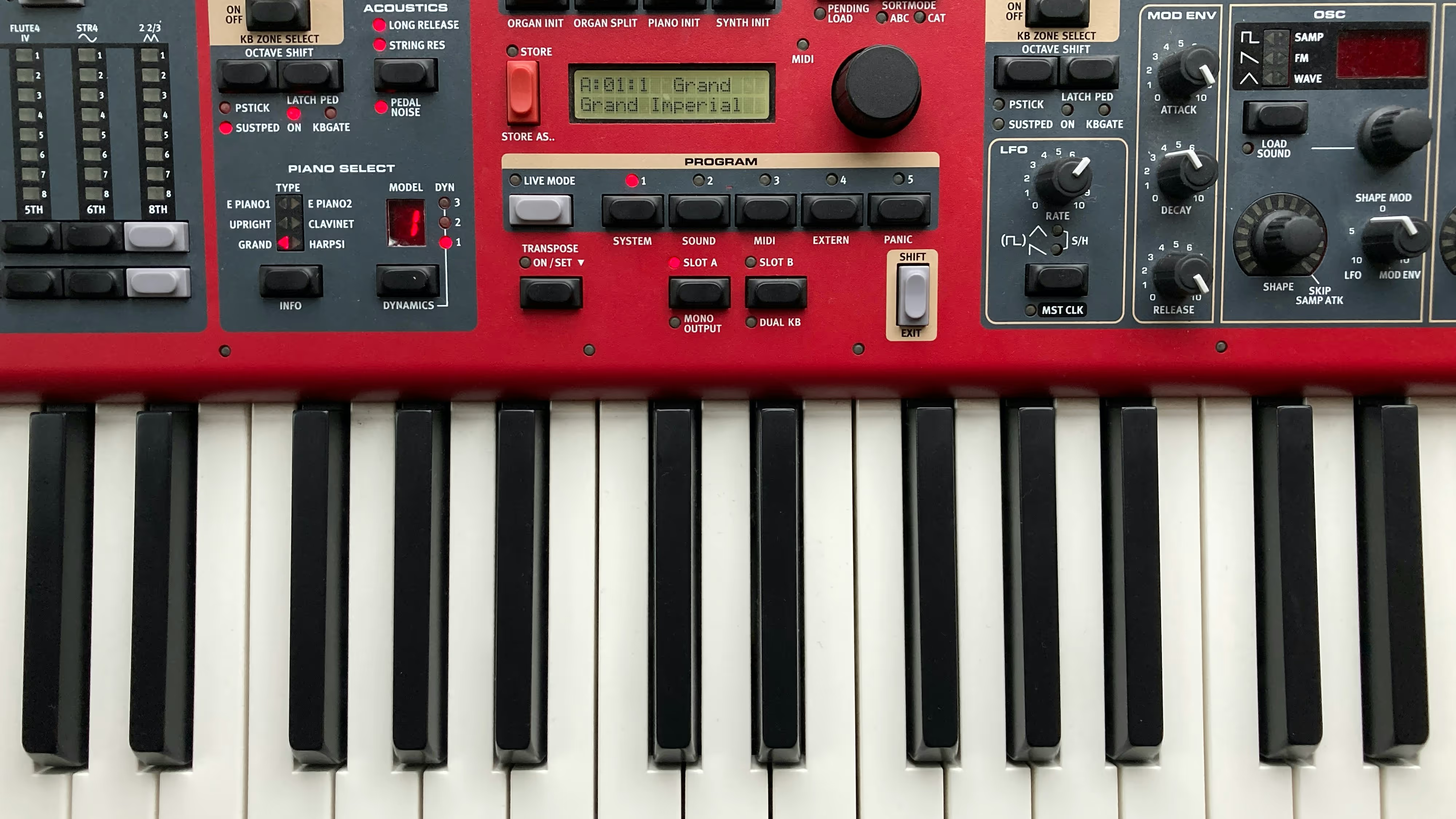
The most important characteristic of a learning keyboard is key action. Fully weighted or hammer-action keys replicate the resistance of an acoustic piano, training finger strength, control, and coordination.
Keyboards with unweighted or “synth-style” keys may feel easier at first, but they do not build the same muscle memory. Learners who start on light keys often struggle later with dynamics, control, and fatigue when transitioning to a real piano.
Semi-weighted keys can be acceptable for casual learners, but for anyone aiming beyond basic melodies, fully weighted keys remain the gold standard.

Key Count: The Practical Case for 88 Keys
Compact keyboards with 61 or 76 keys are common because they are cheaper and easier to store. However, they introduce limitations surprisingly early. Many beginner and intermediate pieces already require the full keyboard range, especially when learning proper left-hand accompaniment or classical repertoire.
An 88-key layout also helps learners develop spatial awareness of the keyboard, which is essential for sight reading and hand positioning.
For serious learning, fewer keys should be treated as a temporary compromise, not a long-term solution.
Touch Sensitivity and Dynamic Control
Touch sensitivity—also called velocity response—allows the keyboard to produce different volumes depending on how a key is pressed. This is fundamental to musical expression.
Without velocity response, learners cannot practice dynamics, phrasing, or articulation properly. These are not advanced concepts; they are introduced early in structured piano education. A keyboard lacking this feature limits expressive development from the start.
Sound Quality: Why It Affects Practice Consistency
Sound quality does not make someone a better pianist, but it directly affects motivation and ear training. Flat or unrealistic piano sounds make it difficult to judge tone, balance, and sustain.
Modern learning keyboards typically use multi-layer sampling or physical modeling based on acoustic grand pianos. What matters most is not brand prestige, but consistency across dynamics and a natural decay of sound when using a sustain pedal.
Learners who enjoy how their instrument sounds tend to practice longer and more attentively.
MIDI Connectivity and Modern Learning Tools
MIDI connectivity has become a standard requirement for piano learners. It allows keyboards to connect with learning apps, notation software, and digital practice tools.
With MIDI support, learners can:
- Receive real-time feedback on accuracy and timing
- Practice with interactive sheet music
- Track progress over time
- Record performances for self-review
USB-MIDI and Bluetooth-MIDI are now common and reduce setup complexity. While apps cannot replace foundational practice, they can reinforce consistency and provide structure for independent learners.

Practical Features That Support Real Practice
Several features matter less in marketing but more in daily use:
- Sustain pedal input: essential for legato playing and phrasing
- Headphone output: enables focused, distraction-free practice
- Stable keybed: prevents uneven response or mechanical noise
- Simple interface: reduces friction and setup fatigue
Large sound libraries, built-in rhythms, and visual effects rarely contribute to actual piano skill development and often distract beginners from fundamentals.

Choosing a Keyboard That Supports Long-Term Progress
A well-chosen learning keyboard should continue to support skill development over time rather than becoming restrictive after the beginner phase. Models that emphasize realistic touch, expressive control, and dependable connectivity tend to offer a smoother transition into intermediate playing, particularly among thoughtfully reviewed budget instruments.
As piano education continues to evolve, keyboards that combine traditional technique support with modern flexibility give learners the strongest foundation—regardless of whether they study independently or with a teacher.
Future guides will examine specific keyboard models across different price ranges, evaluating them based on these criteria rather than marketing claims.

.jpg)



.png)