.svg)
How to Play a MIDI KeyboardPractical Uses for Producers, Composers, and Piano Learners
A MIDI keyboard looks like a piano, but functionally it’s closer to a controller than an instrument. It doesn’t generate sound on its own—it sends performance data (notes, velocity, timing) to software that turns those actions into sound. That distinction matters, because how you use a MIDI keyboard depends entirely on your goal: producing tracks, composing scores, or learning piano fundamentals.
This guide focuses on how MIDI keyboards are actually used in real workflows, not just what they are.
What a MIDI Keyboard Actually Does (Quick, Non-Fluffy Explanation)
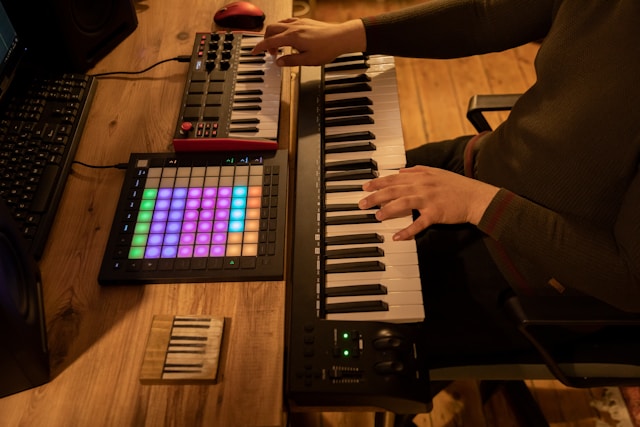
MIDI (Musical Instrument Digital Interface) is a communication standard, not a sound format. When you press a key, the keyboard sends information like:
- Which note was played
- How hard it was pressed (velocity)
- When it started and stopped
Your software—whether a DAW like Logic Pro or notation software like Sibelius—decides how that data sounds. This is why the same performance can trigger a piano, synth, string section, or drum kit with zero re-recording.
That flexibility is why MIDI keyboards are central to modern music workflows.
MIDI Keyboards for Producers and DJs (Real-World Use)
In production, MIDI keyboards are mainly used for speed and iteration. Instead of clicking notes with a mouse, producers sketch ideas in real time, then refine them.
Practical Producer Insight (Experience Signal)
A common beginner mistake is trying to record everything perfectly on the first take. In practice, most producers:
- Record rough passes quickly
- Fix timing with quantization
- Adjust feel later by nudging or humanizing notes
The keyboard is for capturing intent, not perfection.

Example Workflow: Writing an Indie/Pop Track in Logic Pro
Instead of a long checklist, here’s how this typically plays out:
- Set tempo early: The tempo influences groove decisions later. Changing it mid-project often breaks feel.
- Start with bass or chords: Many producers begin with bass or a simple chord progression to establish harmony.
- Layer drums after harmony: Drums lock to harmonic rhythm better when chords already exist.
- Add texture last: Leads, horns, or guitars are usually added once the song’s structure is clear.
The MIDI keyboard’s value here isn’t realism—it’s speed, experimentation, and control.
MIDI Keyboards for Composers (Notation, Not Performance)
For composers, MIDI keyboards act as an input device for notation, not a final performance tool.
Practical Composer Insight
When entering notes into notation software:
- Accuracy matters more than expression
- Dynamics and articulations are usually edited after note entry
- Playing slower often results in cleaner scores
Many experienced composers intentionally play simplified versions and refine later.
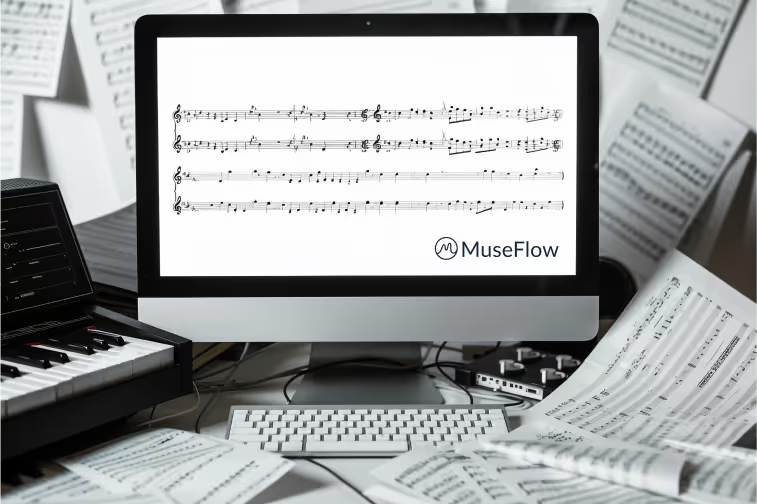
Example Workflow: Writing a Classical Piece in Sibelius
A realistic composing process looks like this:
- Sketch harmony first (often with lower strings)
- Add melody on top
- Fill inner voices last
- Assign articulations and dynamics only after playback confirms balance
Using a MIDI keyboard here reduces fatigue and speeds up note entry—but musical judgment still comes from the composer, not the tool.
MIDI Keyboards for Piano Students (Learning vs. Producing)
This is where confusion often happens. A MIDI keyboard is not automatically a piano teacher. It becomes useful for learning only when paired with software like that provides:
- Immediate feedback
- Progressive difficulty
- Clear goals
Without that, beginners often reinforce bad habits.
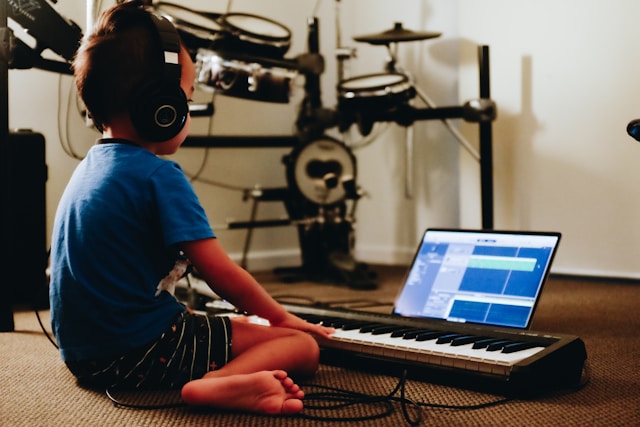
Practical Learning Insight
Students who make the most progress usually:
- Practice in short, focused sessions
- Work on sight reading before memorization
- Get feedback early, not weeks later
This aligns with well-established learning psychology research on skill acquisition.
Using a MIDI Keyboard with Piano Learning Software (MuseFlow Example)
Instead of a sales pitch, here’s the objective use case.
MuseFlow is one example of software that uses MIDI input to:
- Detect note accuracy in real time
- Adjust difficulty based on performance
- Emphasize sight reading over rote repetition
From a learning-design perspective, the value is not “gamification,” but tight feedback loops—students know immediately what went wrong and can correct it before mistakes become habits.

Key Takeaways
- MIDI keyboards are controllers, not instruments
- Producers use them for speed and iteration
- Composers use them for efficient note entry
- Students benefit only when feedback is structured and immediate
The keyboard itself doesn’t make you better. The workflow around it does.
Trying MIDI-Based Piano Learning Software
If you already own a MIDI keyboard and want to explore structured piano learning, tools like MuseFlow can be tested using only a browser and a compatible keyboard.

.jpg)




.jpg)